System Tray
Separate repository
System Tray is maintained in its own repository with its own release cycle: kdroidFilter/ComposeNativeTray. The artifact is io.github.kdroidfilter:composenativetray.
ComposeNativeTray is not a library. It is a complete framework for building system tray applications with Compose Desktop — the most expressive and the most powerful way to own the system tray on macOS, Windows, and Linux.
Traditionally, building a tray application meant juggling platform-specific icon formats, managing menu state by hand, and hoping the result didn't look broken on half your users' machines. ComposeNativeTray erases all of that. Your tray icon is drawn by Compose — the same toolkit that renders your UI. Any @Composable becomes a tray icon: an ImageVector, a Painter, a resource, or a fully custom composable with gradients, badges, and animations. One icon definition. Every platform. Every DPI. Pixel-perfect.
And the menu isn't a static list of strings you rebuild on every change. It's a reactive Compose DSL. Change a mutableStateOf and the menu updates itself — labels, checkmarks, visibility, icons, nested submenus — all of it, instantly, without touching a single callback or rebuilding anything. The tray is part of your Compose state tree, just like the rest of your UI.
But ComposeNativeTray goes further. TrayApp turns a tray icon into a full menu bar application — a Compose window that pops up right next to the tray icon, like the best macOS menu bar apps. Click the icon, a window appears with smooth animations. Click outside, it disappears. The entire window is a Compose canvas: dashboards, controls, media players, quick actions — anything you can build with Compose, anchored to the tray.
Native menus rendered by the OS. Dark mode detection and automatic icon adaptation. Tray position detection for precise window placement. Left-click actions, right-click menus, checkable items, nested submenus with icons. Full GraalVM native image compatibility for instant-launch tray apps with minimal memory footprint. Everything a system tray framework should be — and nothing you have to wire up yourself.
In action
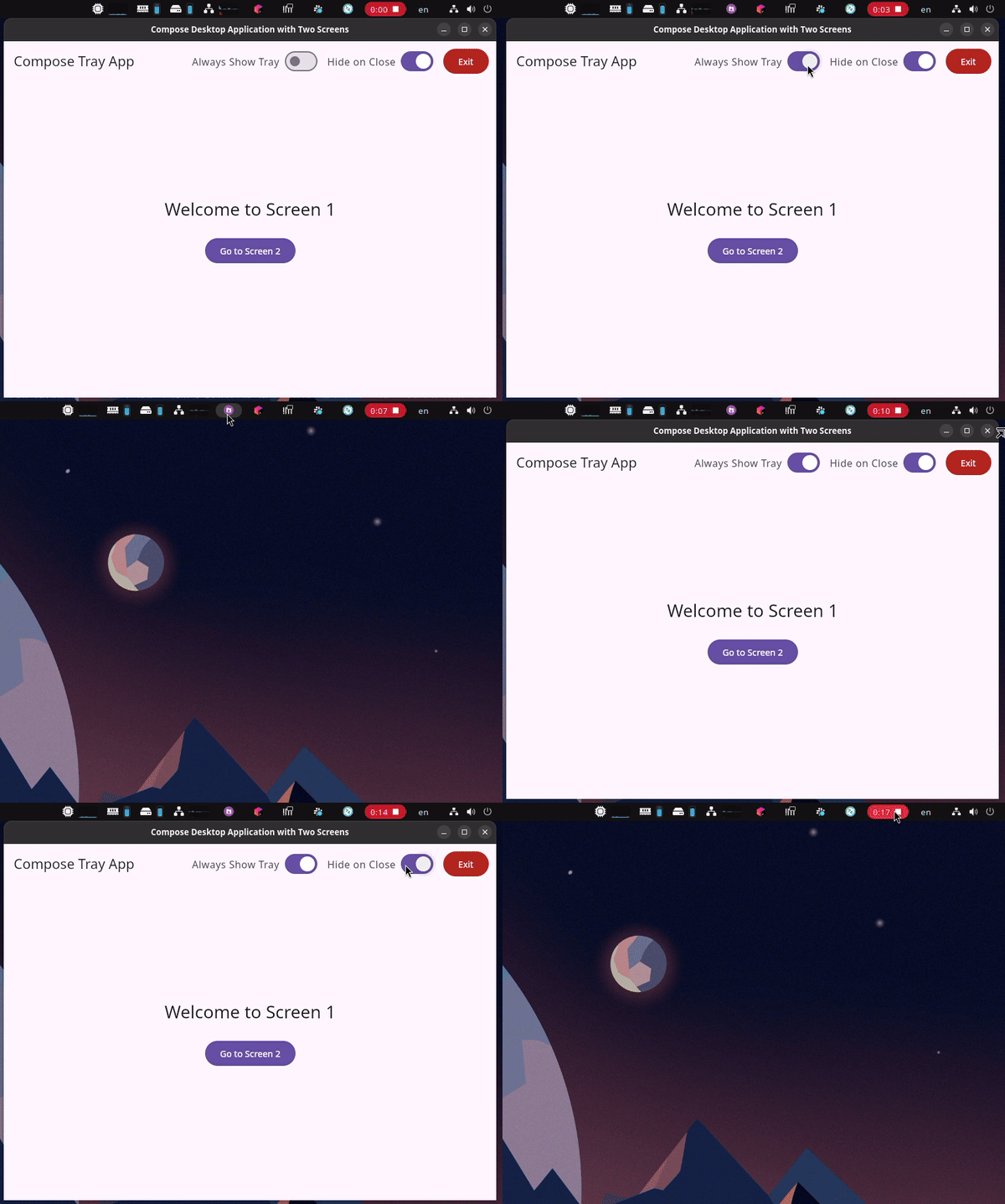
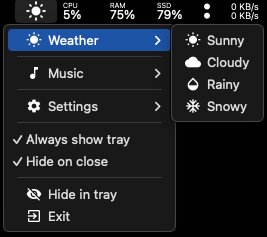
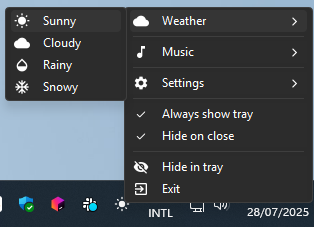
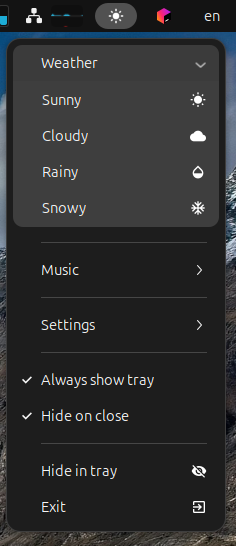
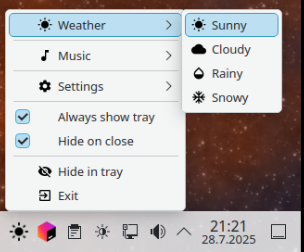
Quick example
var isDarkMode by remember { mutableStateOf(false) }

Tray(
    icon = if (isDarkMode) Icons.Default.DarkMode else Icons.Default.LightMode,
    tooltip = "My App",
    primaryAction = { showWindow() },
) {
    Item(label = "Show Window") { showWindow() }
    Divider()
    CheckableItem(label = "Dark Mode", checked = isDarkMode) {
        isDarkMode = !isDarkMode
    }
    SubMenu(label = "Options") {
        Item(label = "Settings") { openSettings() }
        Item(label = "About") { openAbout() }
    }
    Divider()
    Item(label = "Quit") { exitProcess(0) }
}
Change isDarkMode and the icon switches, the checkmark toggles, the label updates — all in one recomposition. No manual menu rebuild. No platform-specific code. No icon export pipeline.